

H.O.W. Tips & Tricks - Artist-Production Communication
Tips & Tricks
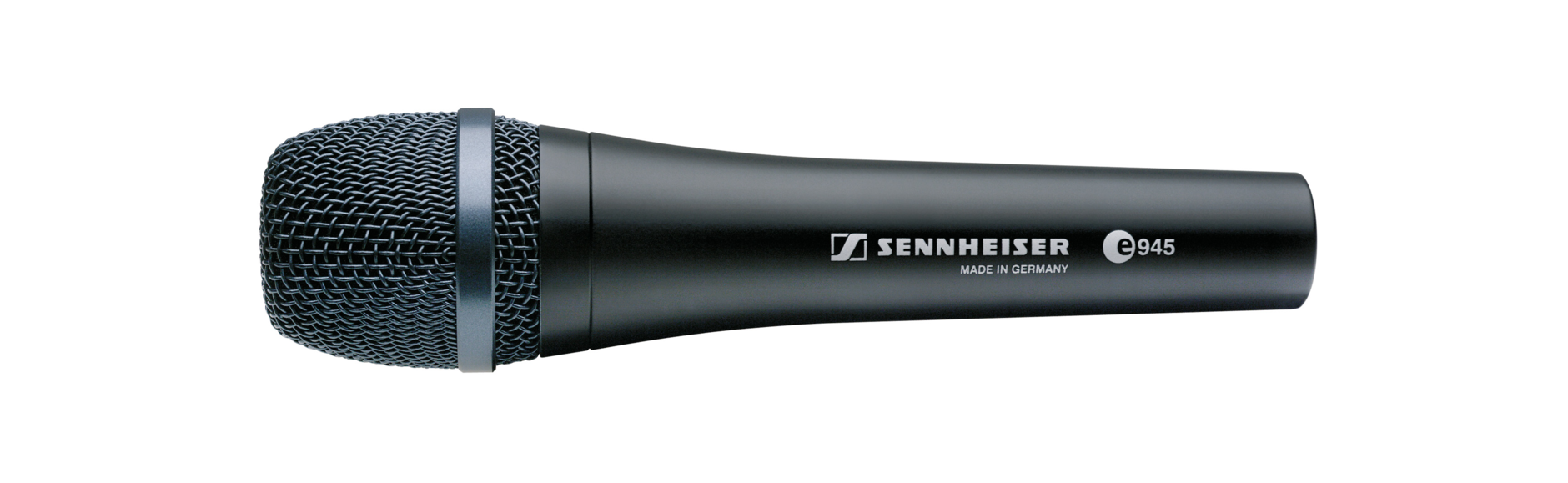
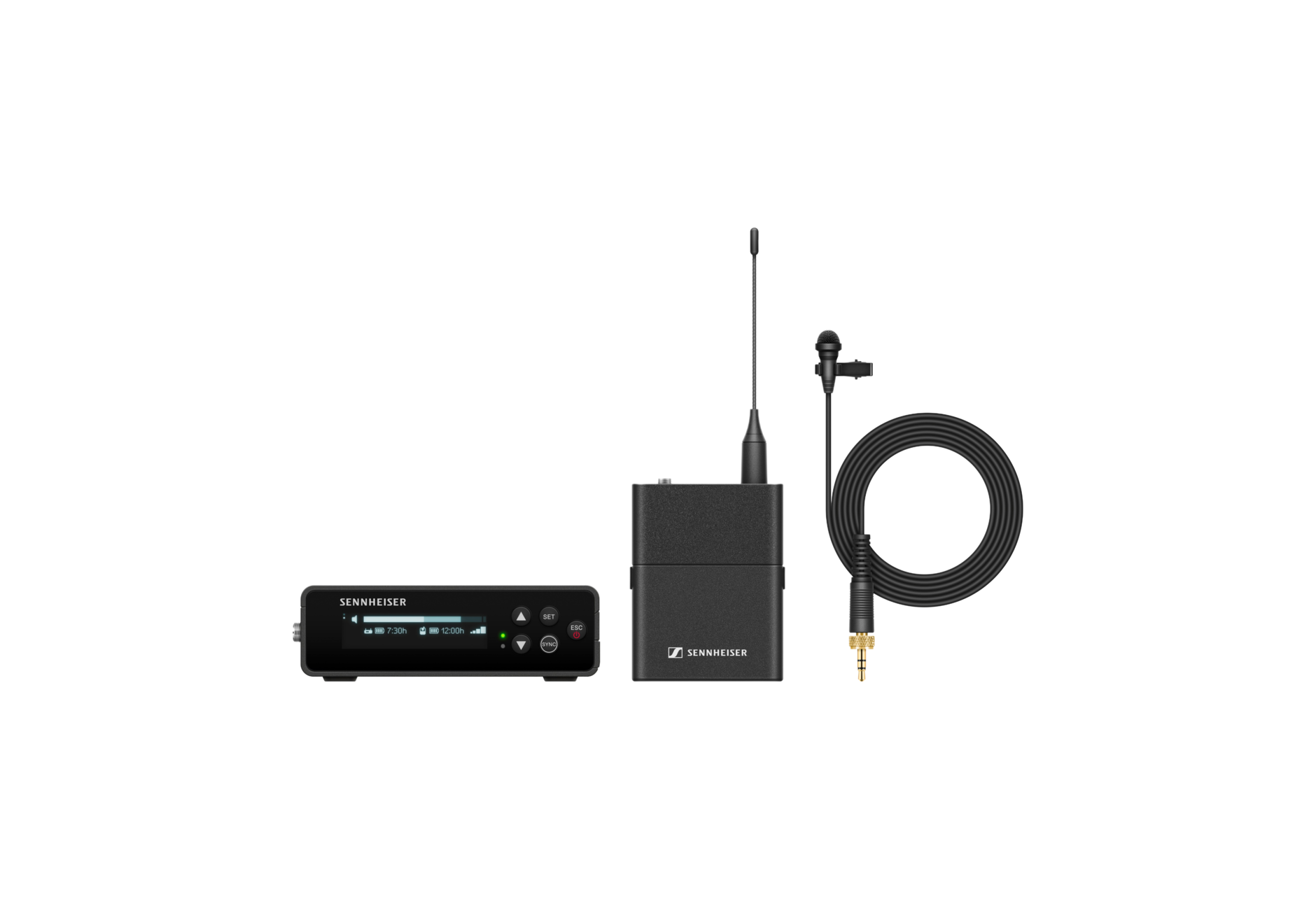
Artist-Production Communication during Worship By Kent Margraves, Sennheiser Ever wish you could communicate discretely with an onstage artist and vice versa without your congregation noticing? Well, if your artist uses in-ear monitors, you already have a way to talk to them – just carefully route a spare talkback microphone ONLY to their in-ear mix. But that’s not 2-way communication – how does the artist talk back to you in the production area? Assuming we don't want our artists fumbling with an on-stage production intercom interface, here's an idea: place a spare wireless lavalier system on them. Don't patch or route it to the PA, just route it to your solo/cue bus, headphones, or small powered monitor at the mixing booth (or wherever you want them to be heard). Pretty simple, huh? Quite useful, too. And a very carefully planned setup might extend this idea to allow artists to discretely communicate with each other onstage. (Be sure to include any such wireless mic system application in your total frequency coordination plan!) COMMAND CHANNEL A more elegant solution for the same application comes in the form of a clever feature from Sennheiser. The "Command Channel option" is available for the SKM5200 handheld wireless transmitter and 3000 series receivers. When the vocalist presses the command switch on the transmitter (simple and discrete) the output of the receiver switches to a second audio port. This second "command" output can be carefully routed to a producer's desk, mixing booth, broadcast control room, or wherever desired – maybe even another on-stage artist. This opens up an array of communication options. For instance, via Command Channel, the worship leader can use his vocal transmitter to easily warn the lyric/presentation software operator of a change in song order before it occurs… No more live curveballs from the worship platform! |